UI Copy
Error messages, menu labels, and setup flow copy for consumer hardware
Year
2024–2026
Summary
UI copy for NexiGo's flagship projector, written and iterated across multiple firmware versions. Copy examples include error messages, menu labels, and setup flow instructions.
Company
NexiGo
UI Copy
Error messages, menu labels, and setup flow copy for consumer hardware
Year
2023
Summary
UI copy for NexiGo's flagship projector, written and iterated across multiple firmware versions. Copy examples include error messages, menu labels, and setup flow instructions.
Company
NexiGo
Below are a selection of screens from the NexiGo Aurora Pro UI.
Below are a selection of screens from the NexiGo Aurora Pro UI.
Menu Labels & Instructions
Menu Labels & Instructions
In these two excerpts from the settings menu, users are guided through different settings options. Some technical settings may be new to the average user.
In these two excerpts from the settings menu, users are guided through different settings options. Some technical settings may be new to the average user.
Display Settings
Display Settings
The settings are labeled with brief descriptions to help orient the user.
Users enabling MEMC often wonder if it affects responsiveness. The parenthetical answers that question in place, before they have to go looking.
The settings are labeled with brief descriptions to help orient the user.
Users enabling MEMC often wonder if it affects responsiveness. The parenthetical answers that question in place, before they have to go looking.

Keystone Correction
Keystone Correction

Dialog Boxes & Error Messages
Dialog Boxes & Error Messages
The following messages pop up during moments where the user needs to make a decision or be notified of an error.
The following messages pop up during moments where the user needs to make a decision or be notified of an error.
Low Latency
Low Latency
When users enable one setting (low latency), they disable another (keystone correction). This dialog box informs them of the decision.
When users enable one setting (low latency), they disable another (keystone correction). This dialog box informs them of the decision.

Overheating Error
Overheating Error

Eye Protection Mode
Eye Protection Mode
This message appears when the user moves in front of the projector lens
This message appears when the user moves in front of the projector lens

This message appears after the user has moved in front of the projector 3 times
This message appears after the user has moved in front of the projector 3 times

Factory Reset
Factory Reset

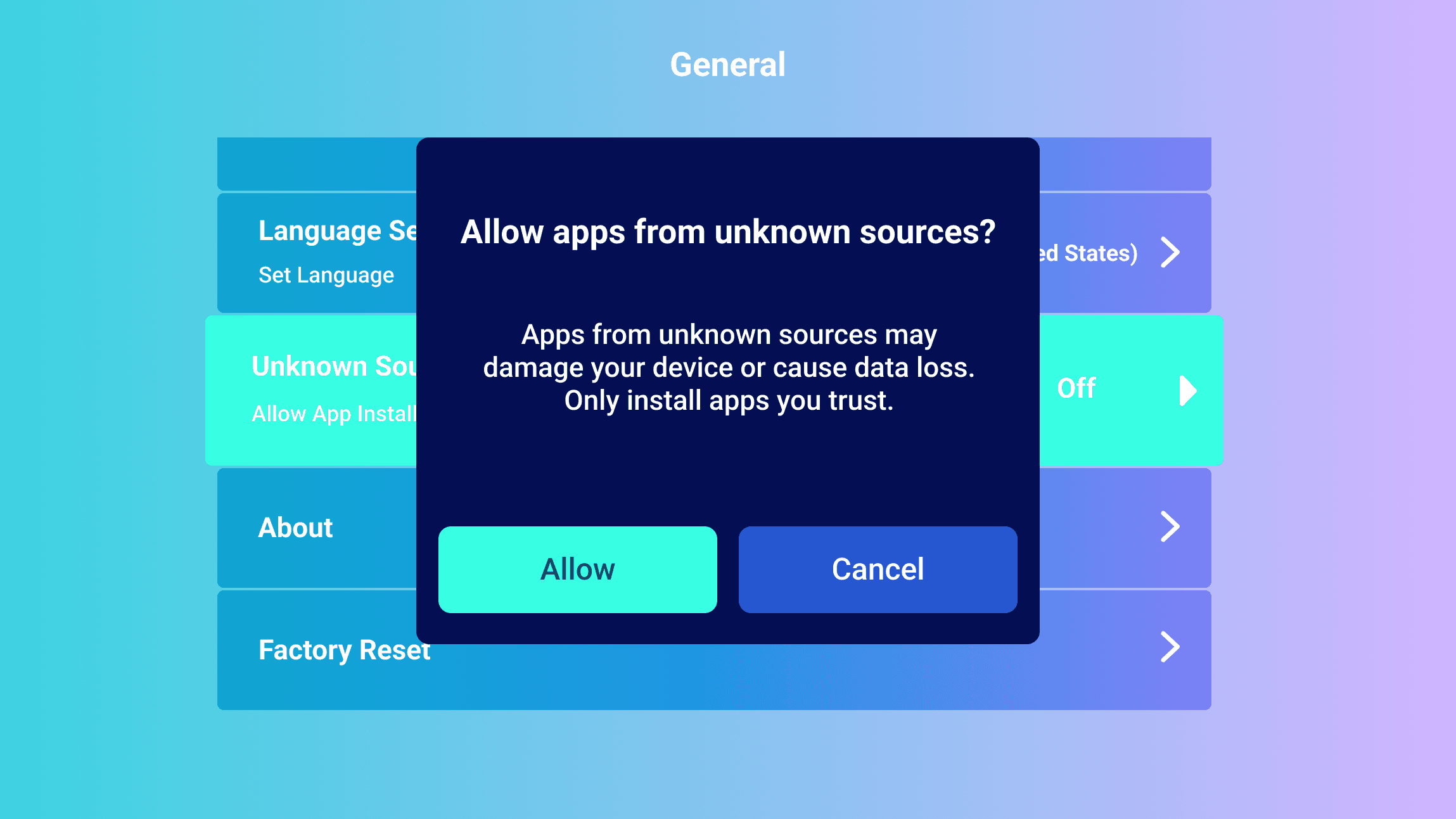
Permission Warning
Permission Warning
This message appears when the user allows apps to be sideloaded from unknown sources. The goal of the message is to inform users of potential security risks.
This message appears when the user allows apps to be sideloaded from unknown sources. The goal of the message is to inform users of potential security risks.
Setup Flow
Setup Flow
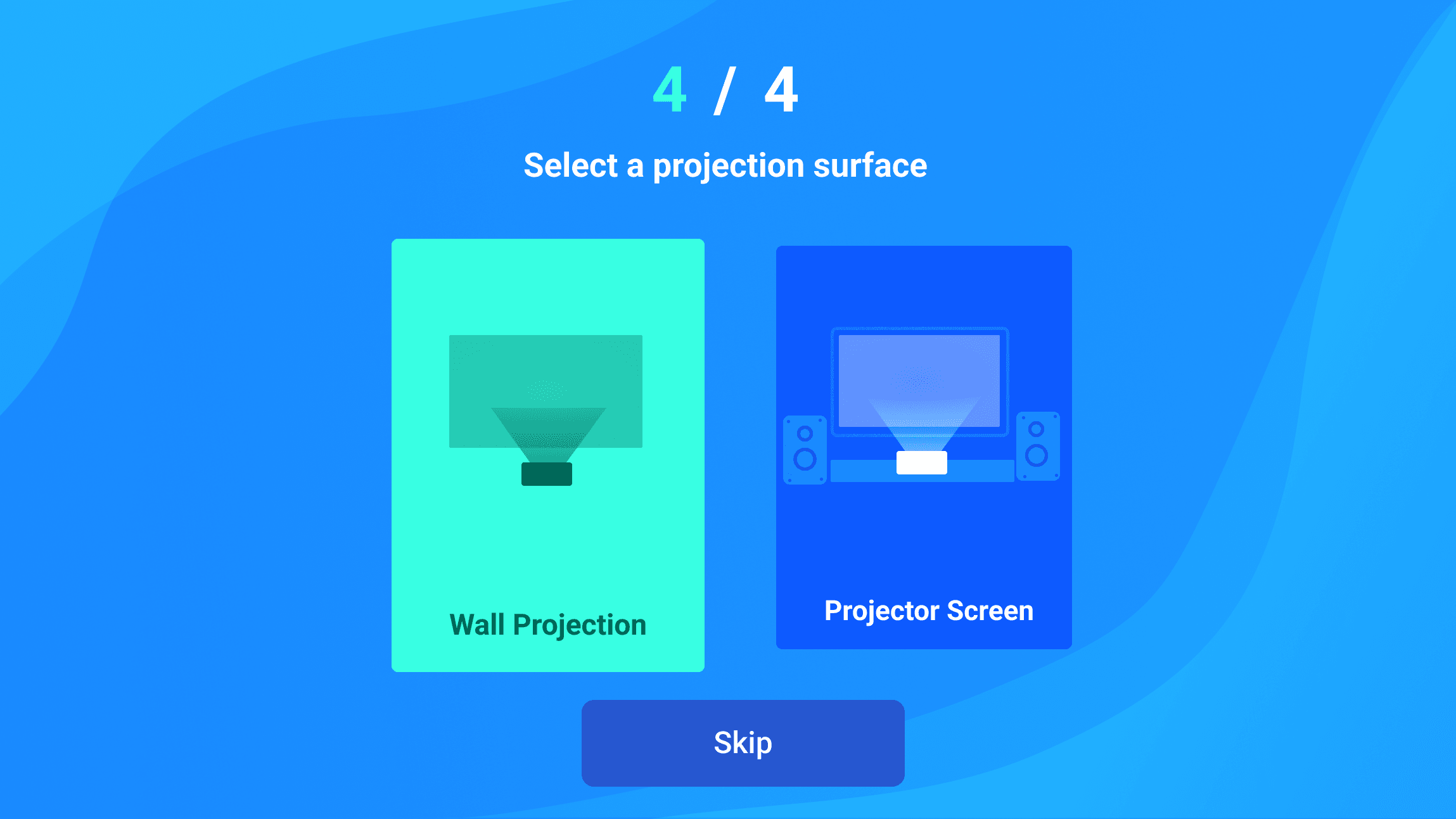
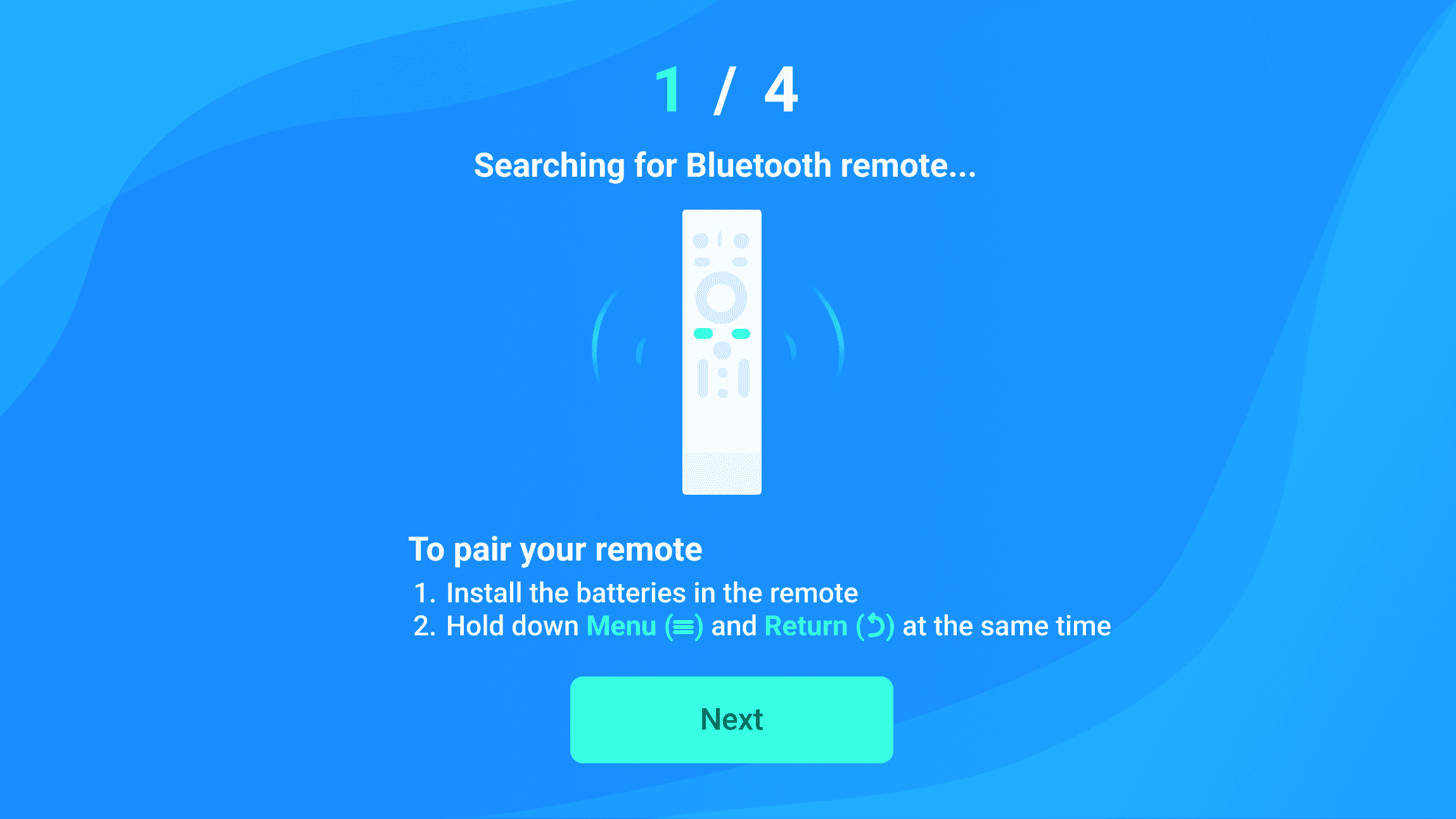
When users turn on the projector for the first time, they see the following setup prompts.
When users turn on the projector for the first time, they see the following setup prompts.
Connect Remote Control
Connect Remote Control
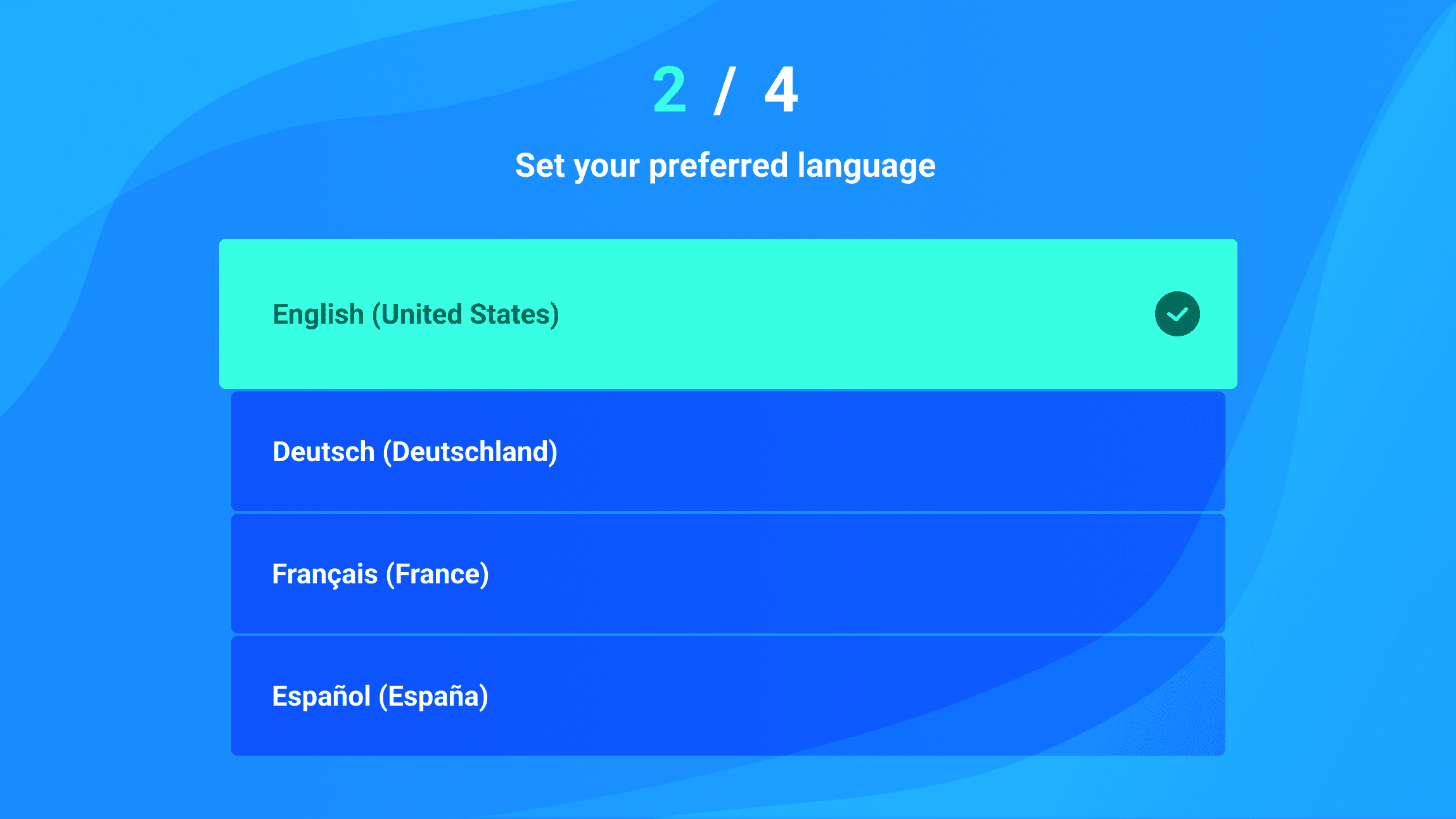
Set a Language
Set a Language
Connect to Wi-Fi
Connect to Wi-Fi
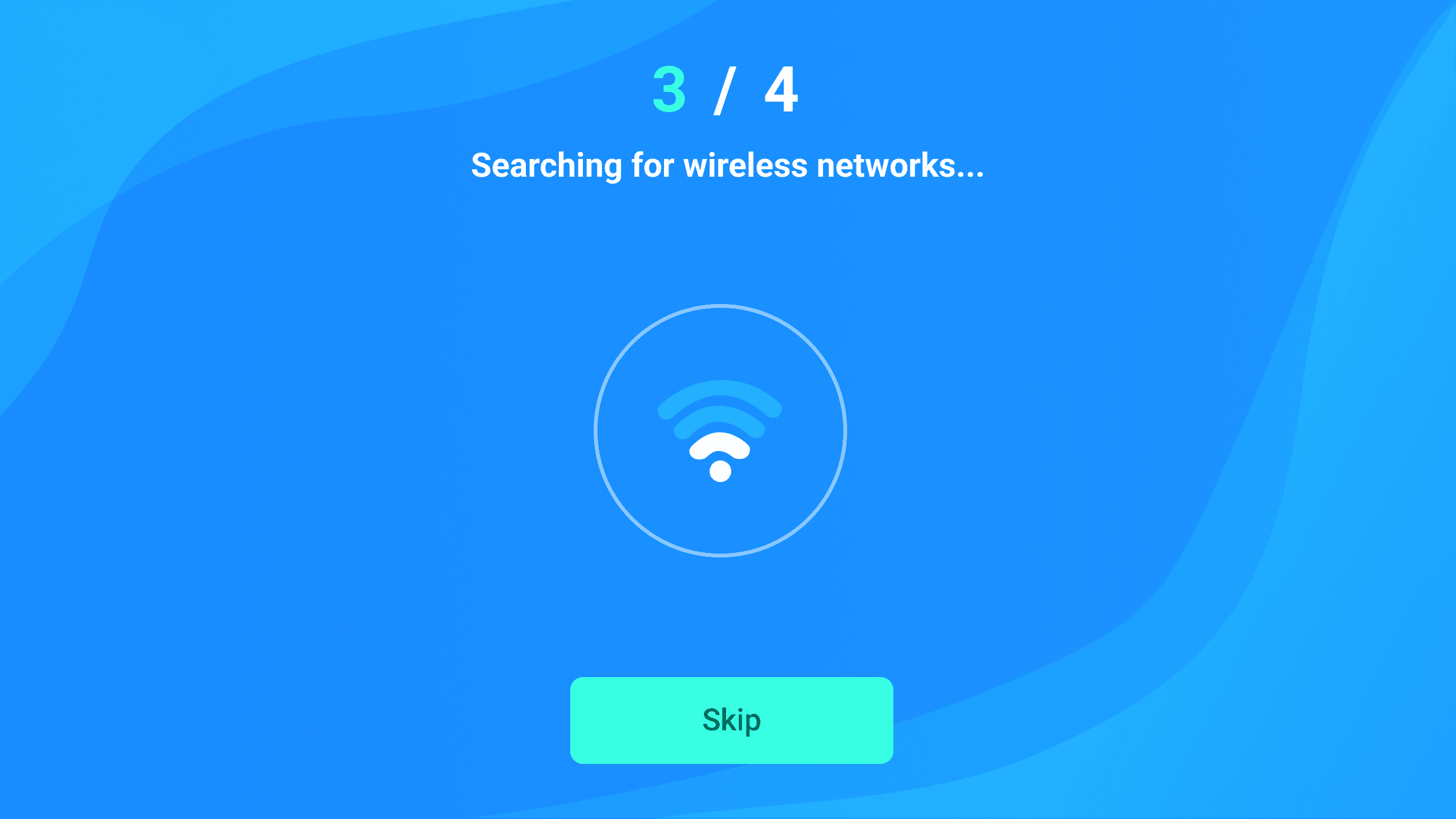
Displays for a couple seconds while the projector searches for available Wi-Fi networks
Displays for a couple seconds while the projector searches for available Wi-Fi networks
Menu for selecting Wi-Fi network
Menu for selecting Wi-Fi network

Error message when user enters the wrong password
Error message when user enters the wrong password

Select a projection surface
Select a projection surface